


The 2026 Playbook for Amazon FBA growth
Thinking about growing your Amazon FBA business in 2026? It’s a smart move, but the landscape is always changing. With more sellers than ever and new tech popping up, you need a solid plan. This guide breaks down the key steps to help you keep up and get ahead. We’ll cover everything from making your brand stand out to making sure you always have enough stock. Let’s get your Amazon FBA growth on track.
Key Takeaways
- Protect your brand and listings by signing up for Amazon’s Brand Registry. This gives you access to better tools and helps keep copycats away.
- Make your product pages pop with A+ Content. Good visuals and descriptions can really boost sales.
- Figure out the best way to get your products to Amazon. Using a freight forwarder and understanding shipment plans is super important for smooth operations.
- Keep your inventory flowing smoothly by setting up reorder points and having a safety stock buffer. This stops you from running out of stock or paying too much for storage.
- Boost your sales with smart advertising. Running effective PPC campaigns is key to getting your products seen and driving Amazon FBA growth.
1. Brand Registry
Alright, let’s talk about Amazon’s Brand Registry. If you’re serious about selling on Amazon and want to protect your products and build a real brand, this is pretty much a non-negotiable step. Think of it as your official ID card with Amazon. It’s how you prove you own your brand, which then opens up a bunch of tools and protections that regular sellers just don’t get.
Getting enrolled in Brand Registry is a must-do for serious sellers. It’s not just about looking official; it gives you access to things like A+ Content, which makes your product pages look way better, and it helps shield your listings from people trying to copy you or sell fake versions of your stuff. Without it, you’re basically leaving the door open for hijackers and making it harder to stand out.
Here’s a quick rundown of why it’s so important:
- Brand Protection: This is the big one. Brand Registry helps Amazon identify and remove counterfeit products and listing violations faster. It’s your first line of defense against bad actors trying to steal your sales or damage your reputation.
- Access to Enhanced Tools: You get access to things like A+ Content, Brand Analytics (which gives you insights into search terms and customer behavior), and the Brand Building tool. These are game-changers for understanding your market and improving your listings.
- Better Listing Control: It gives you more authority over your product listings, making it easier to correct inaccurate information or fight unauthorized changes made by other sellers.
To get started, you’ll need a registered trademark for your brand. Amazon uses this to verify ownership. The application process itself can take a little time, so it’s best to get this sorted early on. Once you’re approved, you’ll be able to start using those advanced features that really help your products get noticed and build customer trust. For a broader perspective on how Amazon Marketplace operates and its impact on sellers, see this external resource.
The process requires a valid, active trademark registration with the relevant government authority. Amazon checks this carefully. Make sure your trademark covers the product categories you sell in. It’s not a quick sign-up; it’s a verification process to confirm you are the legitimate owner of the brand.
2. A+ Content
Once you’ve got your brand registered with Amazon, you absolutely need to be using A+ Content. Think of it as your chance to really make your product listing pop, going way beyond the basic text description. It lets you add custom images, different layouts, and tell your brand’s story in a way that standard listings just can’t.
This is where you can visually explain your product’s benefits and features, directly addressing customer questions and showing off what makes you different. It’s not just about looking good; it’s about making it easier for shoppers to understand why they should buy from you.
Here’s a breakdown of what makes A+ Content work:
- Visual Storytelling: Use high-quality images and graphics to showcase your product in action or highlight key details. This helps customers visualize themselves using the product.
- Benefit-Focused Descriptions: Instead of just listing what your product does, explain how it solves a problem or improves the customer’s life. Connect features to real-world advantages.
- Brand Consistency: Maintain your brand’s look and feel throughout the A+ Content, reinforcing your identity and building trust with potential buyers.
- Comparison Charts: If you have multiple related products, a comparison chart can help customers quickly see the differences and choose the best fit for their needs.
Don’t just slap some pictures on there and call it a day. Think about the customer’s journey. What questions do they have? What hesitations might they feel? A+ Content is your opportunity to answer those proactively and build confidence.
It’s a powerful tool for differentiating yourself from competitors who might be using only basic listings. By investing a little time into creating compelling A+ Content, you can significantly improve your listing’s appeal and conversion rates.
3. Freight Forwarder
Getting your products from the factory to Amazon’s warehouse is a big step, and it’s not as simple as just putting them on a boat. This is where a freight forwarder comes in. Think of them as your logistics partner for international shipping. They handle all the messy details of moving your goods from your supplier’s location to Amazon’s doorstep.
A good freight forwarder manages the entire transportation process, including booking cargo space, handling customs clearance, and arranging for the final delivery to Amazon. They are experts in international trade regulations, which can be super confusing. Without one, you’d be trying to figure out shipping manifests, import duties, and carrier schedules all by yourself. That’s a lot to juggle, especially when you’re trying to grow your Amazon business.
Here’s a general idea of what they do:
- Coordinate Shipping: They arrange for your goods to be picked up from your manufacturer and transported to the port or airport.
- Manage Documentation: This includes bills of lading, commercial invoices, packing lists, and any other paperwork needed for international transit and customs.
- Handle Customs: They work with customs brokers to ensure your products clear import regulations smoothly, paying any applicable duties and taxes.
- Track Shipments: They provide updates on your cargo’s location throughout its journey.
- Arrange Final Delivery: Once your goods arrive in the destination country, they coordinate the final leg of the journey to the Amazon fulfillment center, making sure it meets Amazon’s specific receiving requirements.
Choosing the right freight forwarder is important. You want someone reliable, communicative, and experienced with Amazon shipments. Look for forwarders who understand Amazon’s strict labeling and packaging rules. This partnership is key to avoiding costly delays or rejected shipments at the fulfillment center. It’s a big part of understanding your total cost of ownership for your products.
4. FNSKU Barcode
Alright, let’s talk about FNSKU barcodes for your Amazon FBA items. Think of the FNSKU (Fulfillment Network Stock Keeping Unit) as Amazon’s way of knowing exactly which product belongs to which seller when it arrives at their warehouse. It’s a unique identifier that Amazon assigns to your product, and it’s super important for keeping your inventory separate from everyone else’s.
You absolutely need an FNSKU barcode on every single unit you send to Amazon FBA. If you don’t use them, or if they’re applied incorrectly, Amazon might reject your shipment, or worse, mix your inventory with another seller’s, which can lead to all sorts of headaches. This is especially true if you’re selling a generic product that other sellers also list. Without the FNSKU, Amazon wouldn’t know whose product is whose.
There are a couple of ways to get these barcodes:
- Print them yourself: You can generate and print FNSKU labels directly from your Seller Central account. This is usually the most cost-effective method if you have a good label printer and are meticulous about applying them correctly to each item. Make sure the barcode is clear and scannable.
- Have Amazon apply them: Amazon offers a service where they will label your products for you. This is convenient, but it comes with a fee per unit. It’s a good option if you’re short on time or don’t have the setup to print and apply labels yourself.
When you’re preparing your shipment plan in Seller Central, you’ll have the option to choose whether you’ll be applying the labels yourself or if you want Amazon to do it. This choice is made on a per-SKU basis.
The FNSKU barcode is your product’s passport into the Amazon fulfillment center. Without it, or with a faulty one, your shipment can face delays, incur extra fees, or even be refused entry. It’s a small detail that has a big impact on your inventory’s journey and your ability to sell smoothly.
Remember, the FNSKU is different from a manufacturer barcode (like a UPC or EAN). While you might need a UPC to create the product listing, the FNSKU is what Amazon requires for tracking inventory within their fulfillment network. Getting this right from the start saves a lot of potential trouble down the line.
5. FBA Shipment Plan
Alright, so you’ve got your product ready, and you’re looking to send it off to Amazon’s warehouses. This is where the FBA Shipment Plan comes into play. Think of it as your official notification to Amazon about what’s coming their way. It’s a critical step inside Seller Central where you detail everything about your shipment.
This plan tells Amazon exactly what products you’re sending, the quantity of each, and how they’re packed. Without it, Amazon won’t know what to expect, and your inventory could end up in limbo, or worse, rejected. It’s not just about telling them you’re coming; it’s about giving them the specific details they need to process your incoming stock efficiently.
Here’s a breakdown of what goes into creating one:
- Product Information: You’ll specify the ASIN or SKU for each product you’re shipping. This is how Amazon identifies what you’re sending.
- Quantity: Clearly state how many units of each product are in the shipment. Accuracy here is super important to avoid discrepancies.
- Packaging Details: You’ll need to tell Amazon how your items are packed. Are they individual units, or are they in master cartons? If they’re in master cartons, you’ll need to provide the dimensions and weight of those cartons.
- Shipping Method: You’ll choose between small parcel delivery (SPD) or less than truckload (LTL). This depends on the size and quantity of your shipment. For smaller quantities, SPD is usually the way to go, while LTL is for larger palletized shipments.
- Labeling: You’ll confirm whether you or Amazon will be labeling your products. If you’re using FNSKUs, this is where you’d indicate that.
Creating this plan correctly helps avoid issues down the line, like unexpected fees or delays in getting your products available for sale. It’s a foundational piece for smooth FBA operations.
The FBA Shipment Plan is your direct communication channel with Amazon’s fulfillment network regarding incoming inventory. It requires meticulous attention to detail, from product quantities to packaging configurations, to ensure your stock is received, processed, and made available for customers without hiccups. Getting this right upfront saves a lot of headaches and potential costs later on.
6. Third-Party Logistics Warehouse
Okay, so you’ve got your products, and you’re sending them to Amazon FBA. That’s great, but sometimes, Amazon’s warehouse isn’t the only place you want your inventory sitting. This is where a third-party logistics (3PL) warehouse comes into play. Think of it as an extra storage spot, but one that also handles packing and shipping for you, just like FBA, but outside of Amazon’s direct control.
Why would you even bother with a 3PL? Well, there are a few solid reasons. Maybe you have products that don’t sell super fast, and Amazon’s long-term storage fees are just too high. Or perhaps you want to sell on multiple platforms, not just Amazon. A 3PL can manage inventory for all your sales channels, sending it out wherever it’s needed. This flexibility is a big deal for growing brands.
Here’s a quick rundown of when a 3PL makes sense:
- Seasonal Inventory: You get a big shipment for a holiday rush. You can store it at a 3PL, send what you need to FBA for quick sales, and keep the rest at the 3PL for other channels or future FBA replenishment.
- Oversized Items: Amazon charges a lot more for big or heavy items. A 3PL might have better rates for these.
- Bundles or Kits: If you create product bundles that Amazon doesn’t want to assemble, a 3PL can handle that for you before shipping.
- International Sellers: Sometimes it’s easier to ship a large batch to a 3PL in the US, and then have them break it down and send it to Amazon FBA or directly to customers.
Using a 3PL means you’re not totally reliant on Amazon’s rules and fees for all your stock. You get more control over your inventory and can often find more cost-effective solutions, especially if you’re moving a lot of product or have diverse sales strategies. It’s like having a backup dancer for your fulfillment operations, ready to step in when needed.
Managing inventory across multiple locations, including FBA and a 3PL, requires good tracking. You need to know exactly how much stock you have, where it is, and when to move it. This prevents stockouts on one channel while you’re sitting on too much inventory elsewhere.
7. PPC Campaigns
Alright, let’s talk about Pay-Per-Click (PPC) campaigns for your Amazon FBA business. If you’re not running ads, you’re basically leaving money on the table, especially when you’re trying to get a new product off the ground. Think of PPC as your fast track to getting noticed while your organic ranking slowly catches up. But here’s the thing: just turning on ads without a plan can drain your budget faster than you can say ‘inventory turnover’.
The key is to approach PPC strategically, not just as an expense, but as an investment in sales velocity and data acquisition.
Here’s a breakdown of how to get started and keep things running smoothly:
- Automatic Campaigns: These are your treasure hunters. You let Amazon’s algorithm do the heavy lifting, showing your ads for search terms it thinks are relevant. You’ll be surprised by the hidden gems – those long-tail keywords you never would have thought of yourself. Run these for a week or two to gather data.
- Manual Campaigns: Once you’ve got some data from your auto campaigns, it’s time to get specific. Go through your search term reports, pull out the keywords that are actually bringing in sales, and move them into manual campaigns. This gives you much more control over your bids and where your ad money goes. You can even target specific competitor ASINs here.
- Sponsored Display Ads: Don’t forget about these. They can be great for reaching shoppers both on and off Amazon, and they’re particularly useful for retargeting people who have already looked at your product. It’s a smart way to stay top-of-mind.
When you’re launching a new product, your Advertising Cost of Sale (ACoS) is going to look pretty high. We’re talking potentially 40-60%, maybe even more. Don’t panic. The main goal right now isn’t to make a profit on the ads themselves; it’s about driving sales, collecting valuable data, and teaching the Amazon algorithm about your product. Budget for this as a necessary launch cost.
It’s easy to get caught up in the daily ACoS numbers, but for new products, focus on the bigger picture. Are you getting sales? Are you gathering keyword data? Is your product getting visibility? These are the metrics that matter most in the early stages. Once you have solid data and organic ranking, you can then focus on optimizing for profitability.
It’s also super important to know your numbers. You need to calculate your Max ACoS (the highest ACoS your SKU can handle before losing money on ad-driven sales) and your Target TACoS (Total Ad Cost as a percentage of total revenue). Without these, you’re flying blind. You can pull reports from Seller Central to figure out your contribution margin per unit, which is what’s left after all costs, including Amazon fees. Knowing this helps you set realistic ad budgets and avoid spending money that eats into your profits.
8. Product Photography
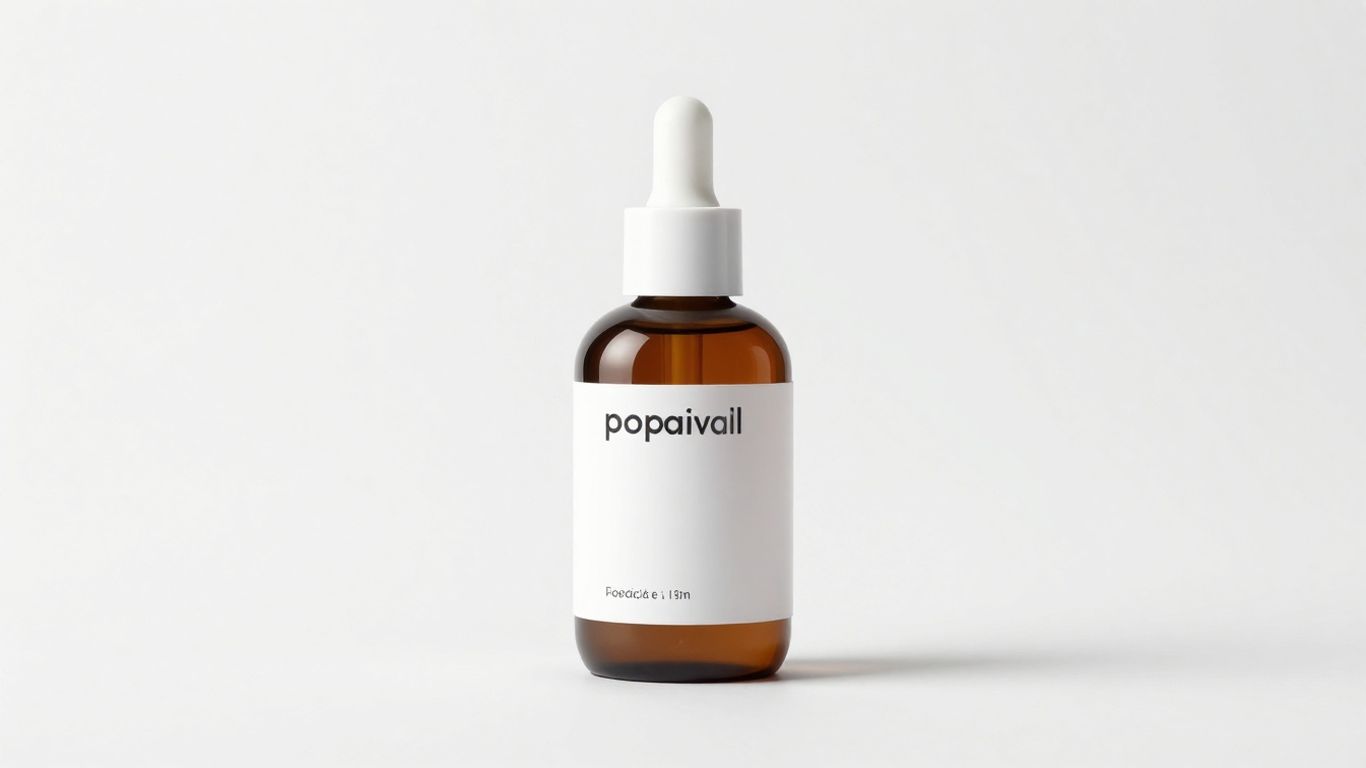
When selling on Amazon, your product photos are basically your handshake, your smile, and your first impression all rolled into one. Since customers can’t physically pick up your item, they’re relying entirely on your images to get a feel for it. High-quality photography isn’t just a nice-to-have; it’s a must-have for driving sales.
Think about it: you’re scrolling through Amazon, looking for something. What makes you stop and click on one listing over another? Usually, it’s the pictures. If they’re blurry, poorly lit, or just don’t show the product clearly, you’re probably going to keep scrolling. But if the photos are sharp, professional, and show the product from different angles and in use, you’re much more likely to be interested.
Here’s a breakdown of what you need:
- Main Image: This is the hero shot. It needs to be on a pure white background, with the product clearly visible and filling most of the frame. No extra props or text allowed here.
- Lifestyle Images: These show your product in action. If you’re selling a water bottle, show someone using it at the gym or on a hike. This helps potential buyers imagine themselves using the product.
- Infographic Images: These are super helpful for highlighting key features and benefits. You can use text overlays and icons to point out dimensions, materials, or specific advantages. This is a great place to address pain points you found during keyword research.
- Detail Shots: Close-ups that show the quality of materials, stitching, or any intricate design elements.
Aim for at least seven high-resolution images. This gives you enough variety to showcase your product thoroughly. Remember, these images work hand-in-hand with your listing copy to convince a shopper to buy. If your photos are weak, even the best description won’t be enough to close the deal.
Investing in professional product photography might seem like an upfront cost, but it’s one of the most effective ways to boost your conversion rates and reduce returns. It’s about building trust and clearly communicating the value of what you’re selling.
9. Safety Stock Buffer
Okay, so you’ve got your sales velocity figured out, and you know how long it takes for your supplier to get you more product. That’s great. But what happens when Amazon’s sales suddenly go through the roof, or your shipment gets held up at customs for a week? That’s where a safety stock buffer comes in.
Think of it as your emergency supply, the extra inventory you keep on hand just in case. It’s not just about covering unexpected sales spikes; it’s also about protecting yourself from those annoying shipping delays that seem to pop up out of nowhere. Amazon really doesn’t like it when you run out of stock, and they’ve been hitting sellers with penalties for low inventory levels. So, having this buffer is pretty important for keeping your account in good standing and your sales steady.
Here’s a simple way to think about it:
- Daily Sales Velocity: How many units you sell on an average day.
- Total Lead Time: The time from when you order from your supplier until the product is ready to sell in Amazon’s warehouse.
- Safety Stock Buffer: Extra days of inventory to cover unexpected events.
Let’s say you sell 10 units a day, your lead time is 30 days, and you decide on a 14-day safety stock. Your reorder point would be when your inventory hits 440 units (10 units/day * (30 days lead time + 14 days safety stock)). When your stock gets down to that number, it’s time to place a new order. Ideally, that new shipment arrives right when you’re about to dip into your safety stock.
Building a safety stock buffer isn’t just a suggestion; it’s a necessary part of managing your inventory effectively on Amazon. It helps prevent lost sales and protects your seller metrics from negative impacts due to stockouts. Getting this calculation right means you’re not caught off guard by demand fluctuations or supply chain hiccups.
10. Reorder Points
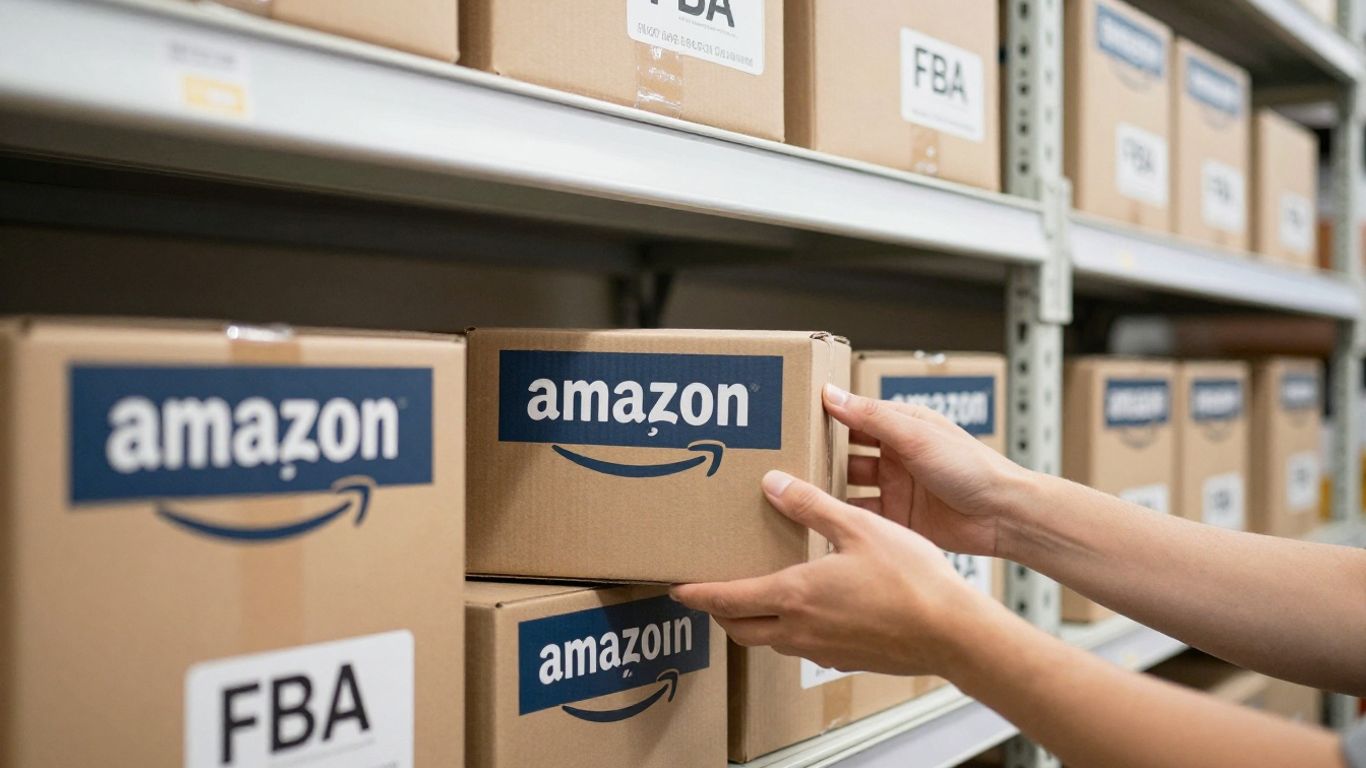
Knowing when to reorder stock is super important for keeping your Amazon FBA business running smoothly. If you run out of popular items, you miss out on sales, and Amazon might even penalize your listing’s visibility. On the flip side, ordering too much can tie up your cash and lead to storage fees, especially with Amazon’s low-inventory fees kicking in if your stock dips too low.
Setting up reorder points isn’t just about guessing; it’s about using data to make smart decisions. You need to figure out how much you sell over a certain period and then add a buffer for unexpected spikes or delays.
Here’s a basic way to think about it:
- Calculate your average daily sales: Look at your sales data for a specific period (like the last 30 days) and divide the total units sold by the number of days.
- Factor in lead time: This is how long it takes from when you place an order with your supplier until the product is ready to ship to Amazon’s warehouse. Don’t forget to include shipping time to Amazon too.
- Add a safety stock buffer: This is extra inventory to cover you if sales suddenly jump or if your supplier has a delay. A common buffer is a few extra days’ worth of sales.
Your reorder point would then be something like: (Average Daily Sales * Lead Time in Days) + Safety Stock Buffer.
For example, if you sell 10 units a day on average, your supplier takes 15 days to produce, and shipping takes 5 days, and you want a 7-day safety buffer:
(10 units/day * (15 days + 5 days)) + (10 units/day * 7 days) = 200 units + 70 units = 270 units.
So, you’d want to reorder when your inventory hits around 270 units.
Keeping track of these numbers helps you avoid stockouts and overstocking. It’s a simple system, but it makes a big difference in keeping your cash flow healthy and your customers happy. Regularly reviewing your sales data and adjusting your reorder points is key, especially as sales patterns change or if your lead times shift.
It might seem like a lot of math at first, but once you get a system down, it becomes second nature. Many sellers use inventory management software that can help automate these calculations and even trigger alerts when it’s time to reorder. This frees you up to focus on other parts of growing your business.
Managing your stock levels is super important. If you run out of popular items, you miss out on sales. That’s where reorder points come in handy! They’re like a signal telling you when it’s time to get more products. Want to learn how to set these up perfectly for your Amazon business? Visit our website today for expert tips and strategies!
Wrapping It Up: Your Amazon FBA Journey Ahead
So, we’ve covered a lot of ground for growing your Amazon FBA business in 2026. It’s clear that just listing a product and hoping for the best isn’t going to cut it anymore. You need a solid plan, from understanding your numbers and optimizing your listings to managing inventory like a pro and thinking about how you’ll ship things out. Whether you stick with FBA, explore FBM, or even mix them, the key is to build systems that work for you. The marketplace is always changing, especially with AI popping up everywhere, but by staying smart about your operations and always looking for ways to improve, you can keep your business moving forward. Don’t be afraid to adjust your strategy as you learn what works best for your specific products and customers. Keep learning, keep adapting, and you’ll be well on your way.
Frequently Asked Questions
What is Brand Registry and why is it important for my Amazon business?
Brand Registry is like a special club for your brand on Amazon. It helps protect your product listings from people trying to steal them and gives you access to cool tools, like A+ Content, which makes your product pages look much better. It’s a must-have to keep your brand safe and stand out.
How does A+ Content help sell more products?
A+ Content lets you add more pictures, videos, and better descriptions to your product pages. Think of it like making your online store look way more professional and exciting. This helps customers understand your product better and makes them more likely to buy it.
Why would I need a freight forwarder for my Amazon business?
A freight forwarder is like a shipping expert. They help move your products from the factory overseas to Amazon’s warehouses. They handle all the complicated stuff like customs and different types of transport, making sure your products get to Amazon safely and without major delays.
What’s the deal with FNSKU barcodes?
An FNSKU barcode is a special sticker Amazon requires for each individual product you send to their warehouse. It helps Amazon know exactly which product belongs to which seller, ensuring it gets credited to your account correctly. It’s super important for keeping track of your inventory.
How does a third-party logistics (3PL) warehouse help my Amazon business?
A 3PL warehouse is a middle step between your supplier and Amazon. You can send your products there first to check their quality before they go to Amazon. This is a great way to catch any problems early and make sure only good products reach your customers, saving you headaches later.
What are reorder points and why are they important for inventory?
Reorder points are specific inventory levels that tell you when it’s time to order more stock. Figuring this out helps you avoid running out of popular items (which hurts sales) or ordering too much (which costs money in storage fees). It’s all about having the right amount of product at the right time.


