


The 2026 Playbook for Amazon keyword research
Alright, let’s talk about how to get your products seen on Amazon in 2026. It’s not just about listing your stuff and hoping for the best anymore. You’ve got to be smart about how people find you. This means digging into what shoppers are actually typing into that search bar. We’re going to break down the tools and tricks that can make a real difference, turning those searches into sales. Think of this as your guide to making sure your products are exactly where your customers are looking.
Key Takeaways
- Amazon keyword search needs to be an ongoing thing, not just a one-and-done task.
- Even sellers doing well can hit a wall with organic traffic if they don’t keep up with keywords.
- Relying too much on ads without good keywords underneath can start costing more than it’s worth.
- If you stop paying attention to keywords, competitors can easily take your spot.
- Focusing on keywords that actually lead to profit is super important for growing sales.
1. Helium 10 Cerebro
When you’re digging into Amazon keywords, Helium 10’s Cerebro tool is a pretty standard go-to for a lot of sellers. Think of it as a way to peek at what your competitors are doing successfully. You plug in a competitor’s product (their ASIN), and Cerebro shows you all the keywords that product is ranking for. It’s not just about seeing the keywords, though; it gives you data like search volume, how many other products are competing for that term, and even how much advertisers are paying per click.
This tool is especially useful for finding keywords you might have missed. It helps you understand what terms shoppers are actually using to find products like yours, and more importantly, what terms your successful competitors are using to get found.
Here’s a quick look at what Cerebro offers:
- Keyword Ranking Data: See where a product ranks for specific keywords.
- Search Volume Estimates: Get an idea of how many people are searching for a term each month.
- Competitor Analysis: Identify keywords your rivals are using that you might not be.
- PPC Bid Estimates: Understand the potential cost to advertise on certain keywords.
Using Cerebro effectively means looking beyond just the highest search volume keywords. You want to find those sweet spots – terms with decent search volume but maybe less competition, or keywords that show a clear buyer intent. It’s about building a list of terms that can actually drive sales, not just traffic.
The real power comes from combining Cerebro’s data with your own product knowledge. Don’t just grab every keyword; pick the ones that make sense for your product and your target customer. It’s a bit of an art and a science.
2. SellerApp Competitor Analysis
Looking at what your competitors are doing is a smart move, and SellerApp can really help with that. It’s not just about seeing what keywords they use, but understanding how they’re performing and where you can jump in.
SellerApp has a pretty neat Chrome extension that gives you a lot of data right there on the Amazon page. You can see things like estimated sales, review counts, and even how well a product is selling overall. This is super useful for quickly checking out a competitor’s listing without having to dig through a bunch of reports.
Here’s a quick rundown of what you can get from SellerApp for competitor analysis:
- Real-time Ranking Data: See how products rank for specific keywords as you browse.
- Sales Estimates: Get an idea of how much a competitor is selling daily and monthly.
- Keyword Insights: Discover keywords that are driving traffic to competitor products.
- Listing Quality Score: Understand how well a competitor has optimized their listing.
The real power comes from combining this live data with their other tools to spot opportunities. For instance, you can use their reverse ASIN lookup feature to see exactly which keywords are sending traffic to a competitor’s best-selling product. Then, you can filter those keywords to find ones where you aren’t ranking well but have decent search volume. It’s like getting a peek at their winning strategy and figuring out how to adapt it for yourself.
Analyzing competitor performance isn’t about copying them. It’s about understanding the market landscape and identifying gaps where your product can stand out. SellerApp provides the tools to see what’s working for others, so you can refine your own approach and capture more market share.
Don’t just look at the top sellers either. Sometimes, the real gems are found by looking at products that are just starting to gain traction. SellerApp can help you spot these rising stars early on, giving you a chance to get ahead before the market gets too crowded.
3. Jungle Scout Opportunity Finder
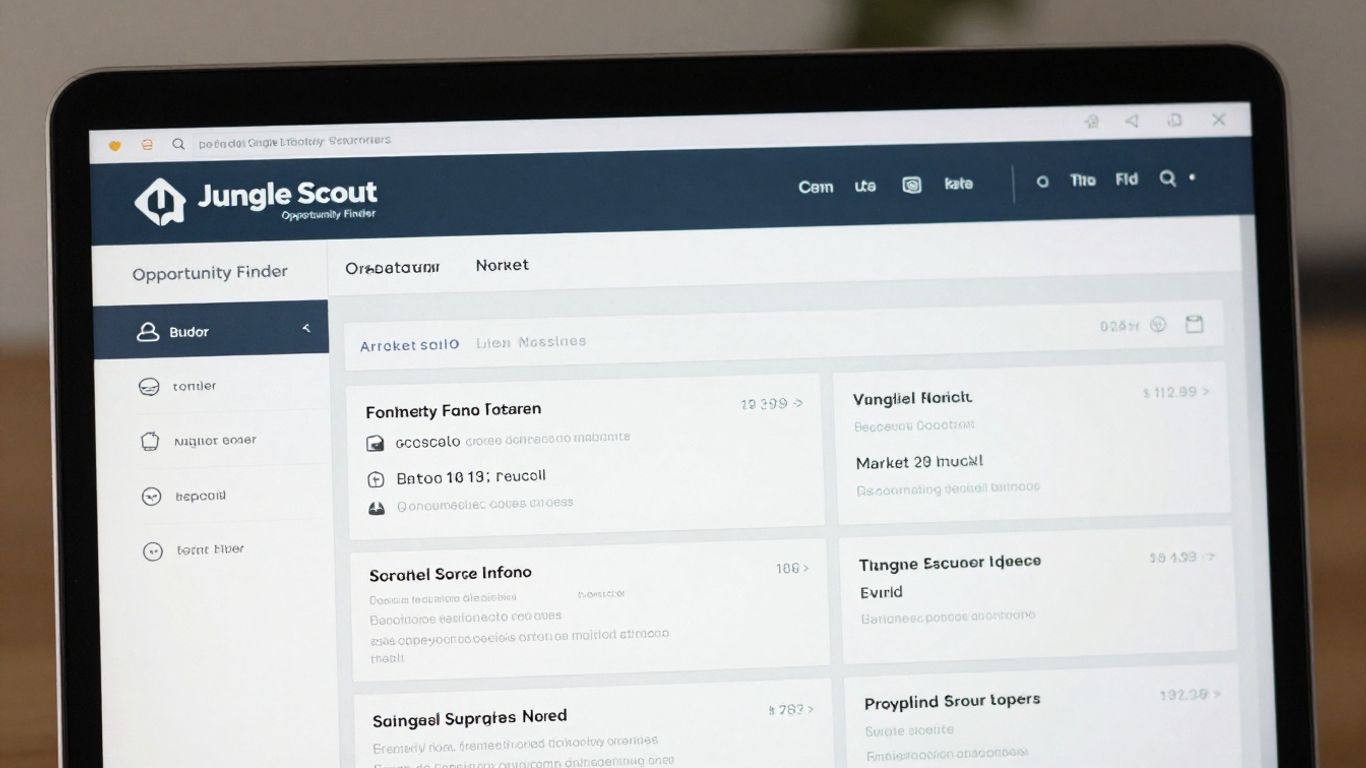
Alright, let’s talk about finding those hidden gems on Amazon. The Jungle Scout Opportunity Finder is pretty neat for this. Instead of just looking at what’s popular right now, it digs into the actual data behind entire product categories, or ‘niches’ as they call them. This helps you see what’s really going on under the surface.
This tool helps you move beyond just guessing and into a more data-driven approach to product selection.
When you’re using the Opportunity Finder, you’ll want to set some filters to narrow things down. Think about categories that people actually need stuff from, like pet supplies or kitchen gadgets. Avoid anything too complicated or regulated unless you’re already set up for it. You’re looking for niches where there’s a decent amount of demand – maybe 300 to 1,000 units sold each month is a good starting point. Also, check the main keyword’s search volume; you want to see at least 10,000 searches. A ‘Niche Score’ of 7 or higher is usually a good sign, but don’t automatically dismiss scores of 8 or 9. Sometimes, the absolute top scores mean too much competition.
Here’s a quick look at some benchmark settings:
- Category: High-utility niches (e.g., Pet Supplies, Home & Kitchen)
- Average Units Sold: 300–1,000 per month
- Monthly Search Volume (Main Keyword): >10,000
- Niche Score: 7+
What you’re really hunting for here are ‘zero-search’ opportunities. This means customers are looking for specific solutions to problems, not just typing in a general term. If you find a niche where the top products are selling well but their listings are kind of weak, that’s often your chance to jump in and do better.
In today’s market, having accurate data is key. If your sales estimates are way off, you could end up paying a lot in storage fees before you even make a sale. It’s all about getting the numbers right from the start.
After you find a potential niche, you’ll want to run it through a validation checklist. This usually involves looking at things like the retail price (aim for $20-$50), the product size (smaller is often better to avoid high fees), and how many reviews the top competitors have (fewer is generally easier to break into). You’re trying to find products that have a clear use case and aren’t already flooded with thousands of reviews.
4. Amazon Brand Analytics
Alright, let’s talk about Amazon Brand Analytics. If you’ve got Brand Registry, this is your golden ticket straight from Amazon itself. Think of it as Amazon giving you a peek behind the curtain at what shoppers are actually typing into the search bar and, more importantly, what they’re clicking on once they see the results. It’s not just guessing; this is Amazon’s own data.
This tool provides direct insights into search frequency, click share, and conversion share for the top products related to specific search terms. No third-party software can quite match this level of accuracy because, well, it’s coming straight from the source. It’s like getting the answers before the test.
Here’s a breakdown of what you can typically find:
- Search Terms Report: This is the big one. It shows you popular search terms, their search frequency rank (how often they’re searched), and how much of the click and conversion share the top products get for those terms. You can see what’s hot and what’s not.
- Item Comparison Report: Want to see how your product stacks up against competitors on specific search terms? This report lets you compare your product’s performance (clicks, conversions) against up to 10 other ASINs.
- Market Basket Analysis: This report shows you which products are frequently bought together. If people are buying product A and product B at the same time, it might give you ideas for bundling or cross-promotion.
- Brand Performance: See how your brand’s products are performing across various categories and search terms compared to the overall market.
Using Brand Analytics means you’re working with the most up-to-date information available. It helps you understand buyer intent directly from Amazon’s perspective, which is pretty much the best you can ask for when trying to figure out what keywords to target.
5. Amazon A10 Algorithm
Amazon’s search algorithm, often called A10, is what decides where your product shows up when someone searches on the site. It’s not just about stuffing keywords everywhere, though that’s still part of it. The algorithm looks at a few key things to figure out which products are the best fit for a shopper’s search.
The two main pillars of the A10 algorithm are keyword relevance and conversion velocity. Think of it like this: does your product listing actually match what the customer is looking for, and does it actually sell when people find it? Amazon makes money on sales, so they want to show products that are likely to be bought.
Here’s a breakdown of what A10 generally prioritizes:
- Keyword Relevance: This is about making sure the words customers use to search appear in your product title, bullet points, description, and backend search terms. If someone searches for "blue running shoes," your listing needs to have those words or very close variations.
- Conversion Rate (Sales Velocity): This measures how often shoppers who view your product page actually make a purchase. A product that converts 10% of its views into sales will generally rank higher than one that converts only 5%, even if the lower-converting one has more keywords.
- Customer Reviews and Ratings: Products with good reviews and high star ratings tend to perform better. Amazon sees these as signals of customer satisfaction.
- Sales History: Products that have a strong sales record are often favored.
- External Traffic: Increasingly, Amazon is paying attention to traffic that comes from outside the platform, like from social media ads or influencer links, if it leads to a sale.
Understanding these factors helps you focus your efforts. Instead of just adding more keywords, you need to make sure your listing is appealing enough to make a sale once a shopper clicks on it. This means great photos, clear descriptions, and competitive pricing.
So, while getting your keywords right is important for discoverability, don’t forget about making your product page a place where people actually want to buy. That’s how you really win with the A10 algorithm.
6. Reverse ASIN Lookups
So, you’ve got your product listed, but how do you know what keywords your competitors are using to get ahead? That’s where reverse ASIN lookups come in. Think of it like this: you’re looking at a competitor’s successful product (identified by its ASIN, that unique Amazon identifier) and using a tool to see exactly which search terms Amazon thinks it’s relevant for. It’s a super direct way to find out what’s working for others in your space.
This is one of the fastest ways to uncover high-potential keywords you might have missed. Instead of guessing, you’re getting data straight from the source – Amazon’s own indexing of competitor products. You can plug a competitor’s ASIN into tools like Helium 10’s Cerebro or SellerApp’s competitor analysis feature. They’ll spit out a list of keywords that product ranks for.
Here’s a basic process to follow:
- Identify Top Competitors: Find 3-5 products that are selling really well and are similar to yours.
- Run the Lookup: Input their ASINs into your chosen reverse ASIN tool.
- Filter the Results: Look for keywords that have decent search volume (say, over 1,000 searches a month) but where you aren’t currently showing up on the first couple of pages of search results. This means there’s an opportunity for you to grab that traffic.
- Analyze and Prioritize: You’ll get a big list. Focus on terms that seem most relevant to your product and have a good balance of search volume and competition.
This method is great for finding both broad terms and more specific, long-tail keywords that customers actually type into the search bar. It helps you understand the language your target audience is using, which is gold for optimizing your listing and your ad campaigns.
It’s not just about finding keywords, though. You can also see how many other products are competing for those same terms. This helps you gauge how tough it will be to rank. If a keyword has tons of searches but also thousands of competing products, it might be a tougher nut to crack than a term with fewer searches but much less competition. It’s all about finding that sweet spot where you can realistically compete and win traffic.
7. Backend Search Terms
Think of backend search terms as your listing’s secret weapon. These are keywords you can add that shoppers won’t see, but Amazon’s algorithm definitely will. It’s a hidden field where you can stuff extra terms to help your product get found. You’ve got a limit of 250 bytes here, so you need to be smart about what you include.
The main goal is to capture search terms that don’t fit naturally into your visible listing copy. This means things like common misspellings, synonyms, and even Spanish translations if you’re selling in the US market. For example, if you sell a "water bottle," you might include terms like "watter botle," "water jug," or "botella de agua" in your backend.
Here’s a breakdown of what to consider:
- Synonyms and Variations: Think about all the different ways someone might search for your product. If you sell a "yoga mat," consider "exercise mat," "pilates mat," or "workout pad."
- Common Misspellings: People often make typos. Including common misspellings can catch those accidental searches. For "running shoes," you might add "runing shoes."
- Foreign Language Equivalents: For the US marketplace, including Spanish terms can be a smart move. If your product is a "backpack," consider adding "mochila."
- Related Use Cases: Think about how people use your product. If it’s a "blender," you might add terms related to "smoothies," "shakes," or "purees."
What you shouldn’t do is repeat words already in your title, bullet points, or description. Amazon only indexes each word once, so duplicates just waste your precious 250 bytes. Also, avoid competitor brand names – that’s a big no-no and can get your listing in trouble.
After you update your backend terms, it’s a good idea to check if Amazon is actually indexing them. You can do this by searching for those terms on Amazon and seeing if your product shows up. If it doesn’t appear after a day or two, the term might be blocked or your listing might need a refresh.
These hidden terms might not seem like much, but they can help your product get found for those longer, more specific searches that your main listing copy might miss. It’s all about casting a wider net.
8. Seed Keywords
Seed keywords are the bedrock of your Amazon keyword research. Think of them as the initial, broad terms customers might type into the search bar when they’re just starting to look for a product like yours. These are typically short, usually one or two words, and represent the most general concepts related to your item. For example, if you sell running shoes, seed keywords might be "running shoes," "athletic shoes," or "sneakers."
These broad terms are important because they capture a large volume of searches, helping you understand the overall market demand. However, they also tend to be highly competitive and can attract shoppers who aren’t quite ready to buy, potentially leading to a higher advertising cost per sale if not managed carefully. They’re great for initial brand awareness and for getting your product in front of a wide audience.
Here’s a breakdown of their role:
- Broad Reach: They cast a wide net, bringing in a lot of potential customers.
- Market Understanding: Analyzing searches for seed keywords helps you grasp the general interest in your product category.
- Foundation for Expansion: They serve as the starting point from which you can discover more specific, long-tail keywords.
When you’re first starting out, you might use tools like Helium 10 or SellerApp to identify these core terms. You’ll often find them by looking at the most popular search terms within your product niche. It’s also a good idea to see what your direct competitors are using as their primary keywords, as this can give you a strong indication of what’s working in the market.
While seed keywords are essential for initial visibility, relying solely on them can be a costly mistake. They often have high competition and lower conversion rates compared to more specific phrases. The real magic happens when you use these seed terms as a springboard to find more targeted keywords that speak directly to buyer intent.
9. Long-Tail Keywords
Okay, so we’ve talked about the big, broad terms. Now let’s get specific. Long-tail keywords are basically longer, more detailed phrases that people type into Amazon when they know exactly what they’re looking for. Think "waterproof hiking boots for men size 11" instead of just "boots".
These phrases might not get as many searches individually, but when you add them all up, they can be a goldmine. Why? Because people using them are usually further along in their buying journey. They’re not just browsing; they’re ready to purchase.
Here’s why they’re so important:
- Higher Conversion Rates: When someone searches for something super specific, they’re more likely to buy if they find it. It’s like walking into a store asking for a very particular tool versus just saying you need something for your kitchen.
- Less Competition: The really specific phrases often have fewer sellers trying to rank for them. This means it’s easier for you to show up at the top of the search results.
- Better Ad Spend Efficiency: If you use these in your PPC campaigns, you’re not wasting money showing ads to people who aren’t really interested. You’re targeting buyers who are much closer to clicking "Add to Cart".
How do you find these gems? Look at customer reviews for your product and your competitors’. What specific words are people using to describe the problem your product solves or the exact feature they love? Also, check out the "Frequently bought together" sections and customer questions. These are goldmines for real buyer language.
Don’t just guess what people are searching for. Listen to how they actually talk about products. Those specific phrases are your long-tail keywords.
For example, if you sell yoga mats, instead of just "yoga mat," you might find long-tail keywords like "extra thick non-slip yoga mat for hot yoga" or "eco-friendly cork yoga mat with carrying strap."
10. PPC Campaign Mapping
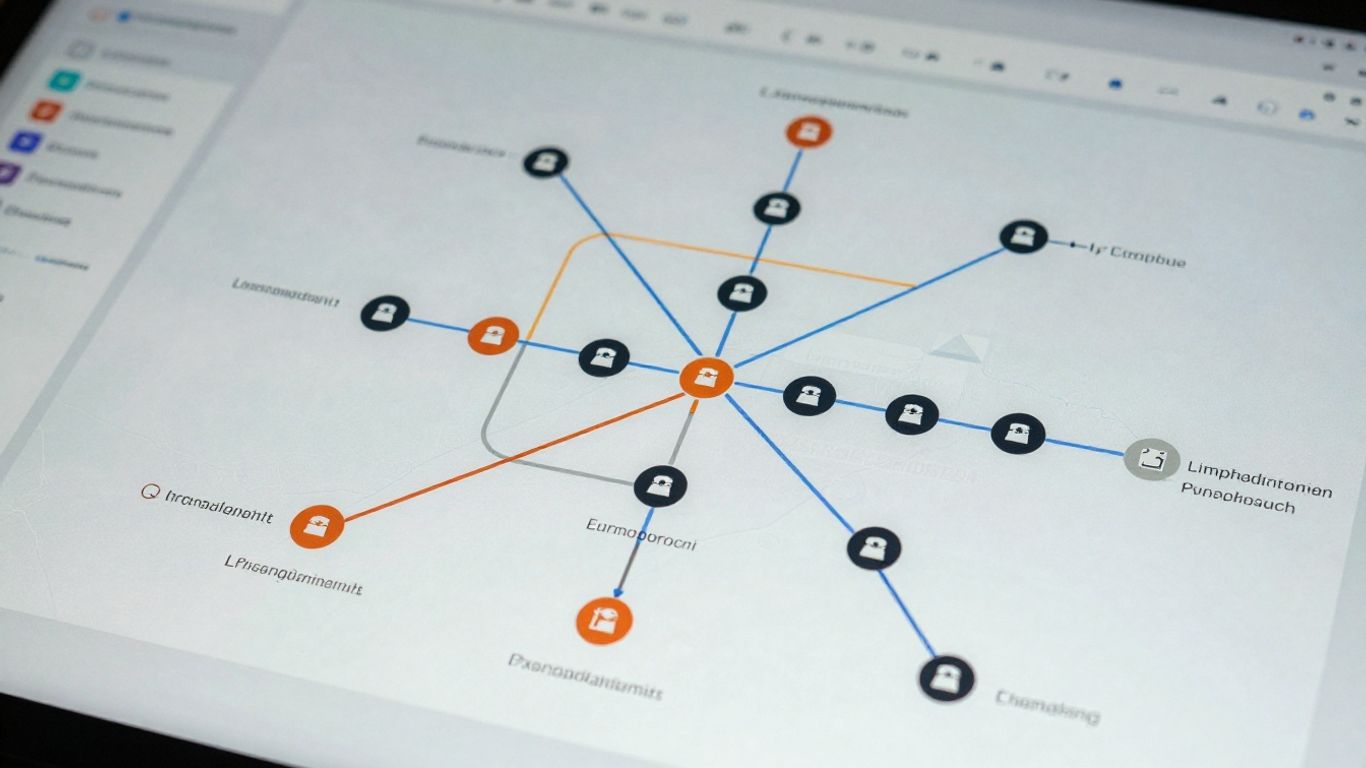
Once you’ve got a solid list of keywords from your research, it’s time to put them to work in your Pay-Per-Click (PPC) campaigns. This isn’t just about throwing money at ads; it’s about smart placement. Think of it like mapping out a route for your advertising budget.
The goal here is to connect the right keywords to the right campaign types to get the best results for your money.
Here’s a breakdown of how to map your keywords:
- High-Converting Keywords to Exact Match: Take those keywords that you know already bring in sales (from your research or past campaign data) and put them into "Exact Match" campaigns. This means your ad will only show when someone types in that exact phrase. It’s efficient and usually has a lower cost-per-click.
- Discovery Keywords to Broad Match: Use "Broad Match" for keywords that are related to your product but you’re not sure how well they’ll perform yet. This helps you discover new search terms customers are using. You’ll want to keep a close eye on these and add any that start performing well to your exact match campaigns.
- Wasted Spend Keywords to Negative Keywords: This is super important. Any search term that brings people to your listing but doesn’t result in a sale, or is completely irrelevant, should be added as a "Negative Keyword." This stops your ads from showing for those terms, saving you money.
Mapping your keywords effectively means you’re not just spending money on ads, you’re investing it. You want to make sure every dollar spent is working towards a sale.
This process helps you avoid common pitfalls like running ads for terms that don’t lead to purchases. It’s about being precise with your ad spend, making sure your product shows up when and where it’s most likely to be bought.
Mapping out your PPC campaigns is a crucial step for success. It’s like drawing a map before a big trip to make sure you reach your destination smoothly. Thinking about how your ads will be organized helps you manage your budget better and reach the right customers. Want to learn more about making your Amazon ads work harder for you? Visit our website today!
Putting It All Together
So, we’ve covered a lot of ground on Amazon keyword research for 2026. Remember, it’s not just about finding a few good words and calling it a day. Think of it more like tending a garden – you’ve got to keep watering, weeding, and adjusting based on what the plants (or in this case, the algorithm and your customers) are telling you. Sticking to a regular routine, checking in on your competitors, and using the right tools will make a big difference. It might seem like a lot at first, but getting this right is how you keep your sales growing and stay ahead of the pack. Don’t let your hard work go to waste by forgetting about keywords once your listing is live.
Frequently Asked Questions
Why should I keep looking for new keywords all the time?
Think of Amazon like a busy marketplace that’s always changing. New trends pop up, shoppers start looking for different things, and other sellers are always trying to get noticed. If you stop looking for new keywords, you might miss out on chances to be found or let competitors sneak ahead of you. It’s like updating your store’s signs to make sure people can still find you easily.
I’m already making a lot of money on Amazon. Why bother with keywords?
Even if you’re doing well, your sales might stop growing if you’re not paying attention to keywords. By finding new keywords that people are searching for, you can attract more shoppers without always relying on ads. This keeps your sales going up and can even make you more profit because you’re not spending as much on ads.
What’s the difference between an ‘Amazon keyword’ and a ‘search term’?
An ‘Amazon keyword’ is a word or phrase you choose to help shoppers find your product. You put these keywords in your product title, description, and ads. A ‘search term’ is what a shopper actually types into the Amazon search bar. Knowing the difference helps you pick the best keywords that match what real customers are searching for, so they can find your stuff more easily.
How do smart keyword strategies help my ads and my profits?
Using good keywords helps you show your ads to the right people. This means you waste less money on ads that don’t work. When your ads are more effective, you can lower your advertising costs and make more profit. It’s like making sure your flyers are sent to people who are actually interested in what you’re selling.
What are ‘seed keywords’ and ‘long-tail keywords’?
‘Seed keywords’ are the main, popular words people search for, like ‘running shoes.’ They bring in lots of shoppers but are hard to rank for. ‘Long-tail keywords’ are longer, more specific phrases, like ‘waterproof trail running shoes for women.’ These have fewer searches but shoppers using them are usually ready to buy, making them great for profit.
Can I use tools to find keywords faster?
Yes! There are many tools like Helium 10, Jungle Scout, and SellerApp that can help you find keywords. They can look at what your competitors are doing and suggest words you might have missed. Some tools can even help you figure out which keywords are most likely to lead to a sale, saving you time and effort.


